Overview
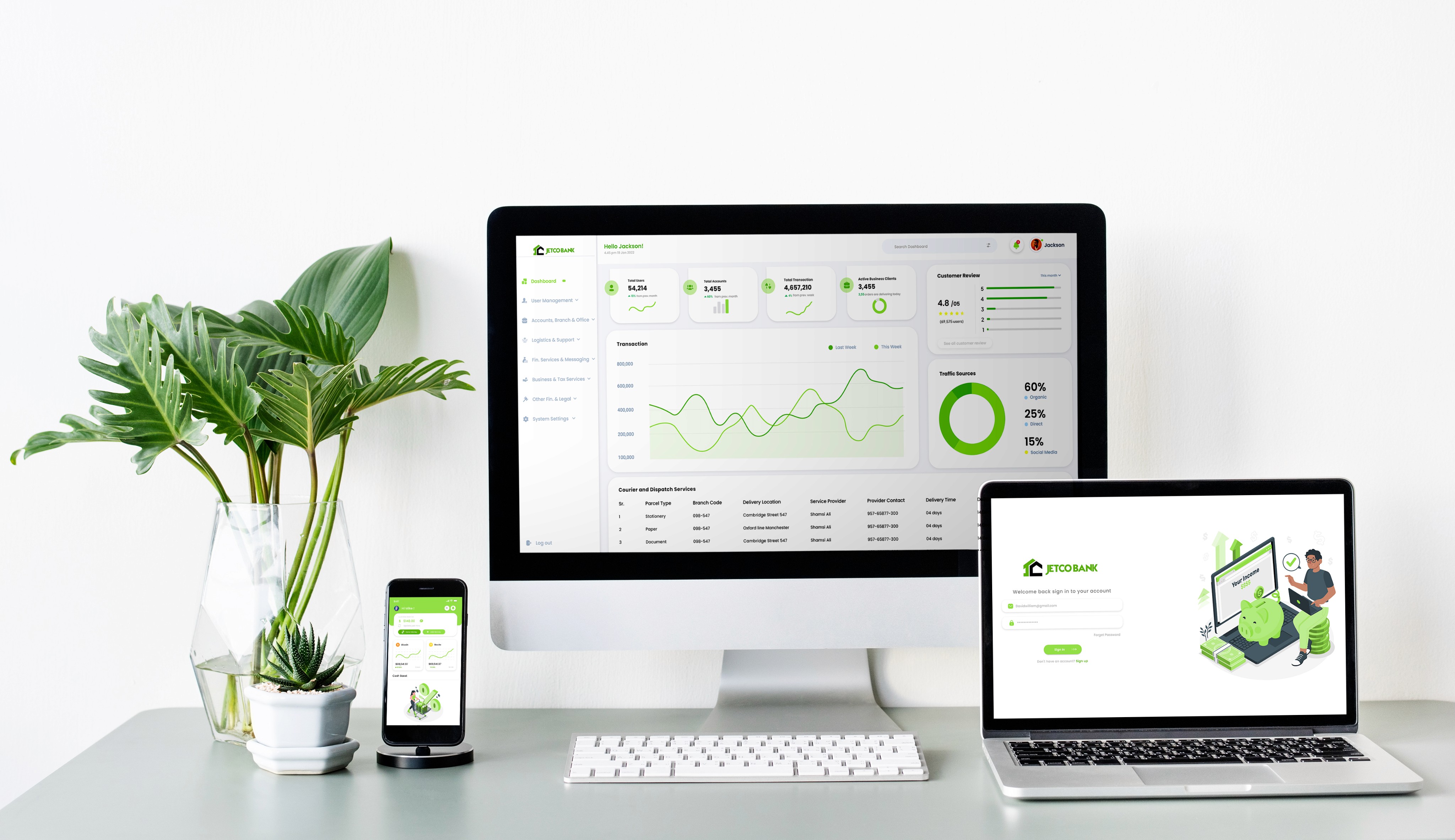
The Bank App and Admin Dashboard offer a modern banking solution for user convenience and administrative efficiency. The Bank App provides an intuitive interface for account management and transactions, bolstered by robust security features such as biometric login. Users benefit from personalized financial insights and alerts, enhancing their control. The Admin Dashboard offers real-time analytics and user management tools, allowing administrators to efficiently handle accounts and transactions with integrated customer support. This comprehensive platform prioritizes user satisfaction and operational efficiency.
The Bank App ensures a secure, user-friendly experience, while the Admin Dashboard
empowers with analytics and customization
Jetco Bank WEBSITE & APPLICATION

Industry
Bank Admin
location
Australia

Data Presentation and Clutter
Problem
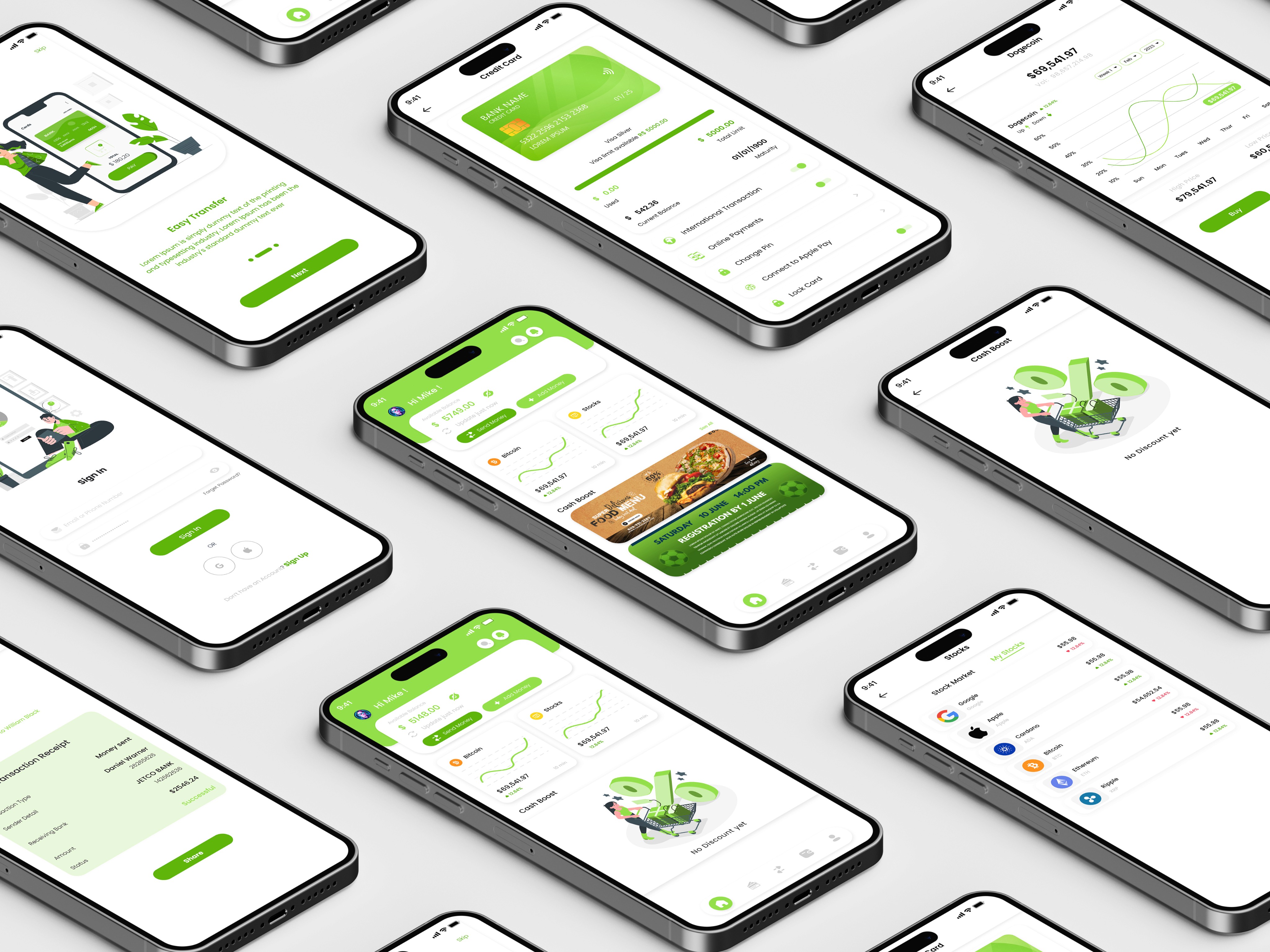
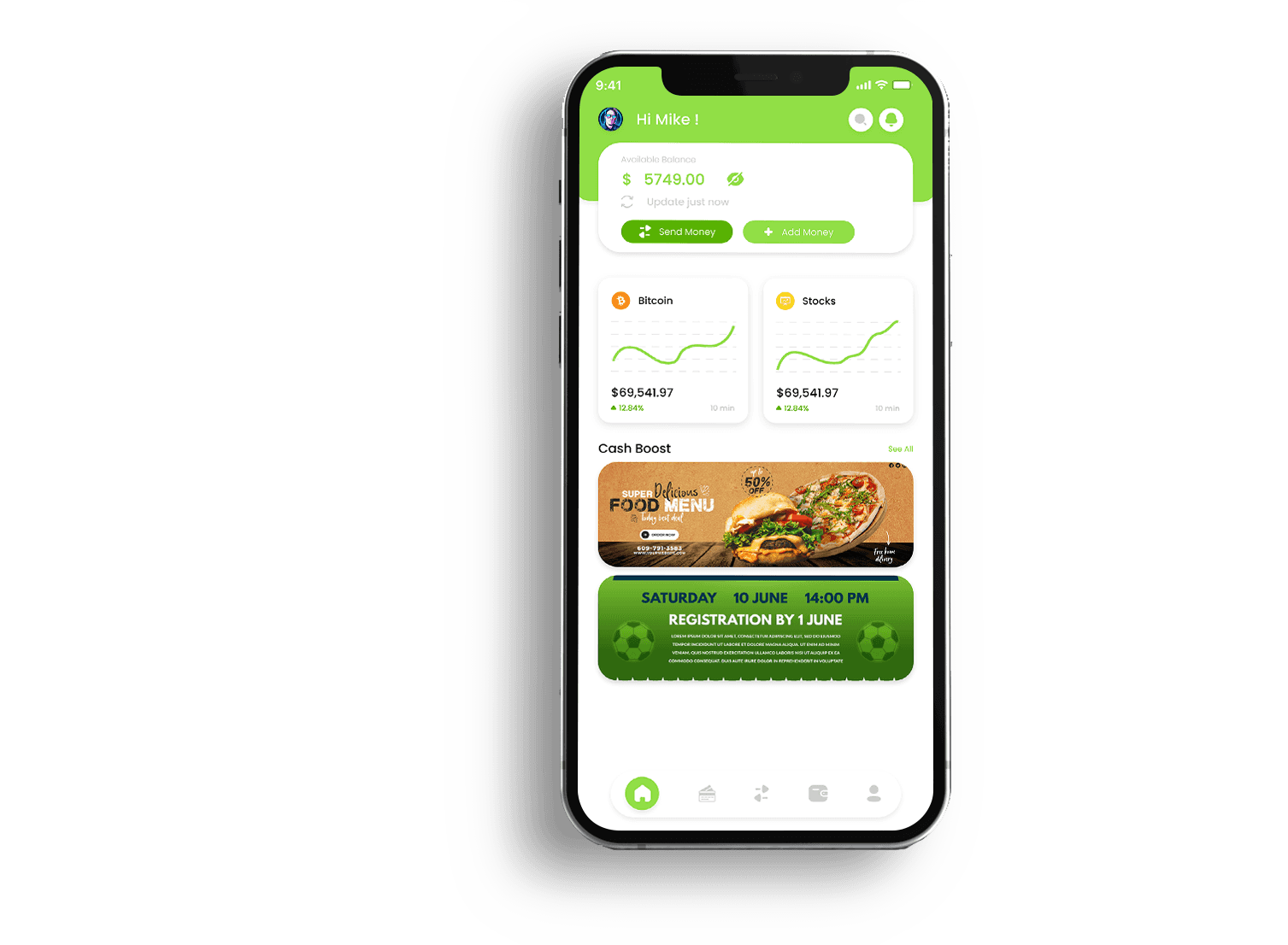
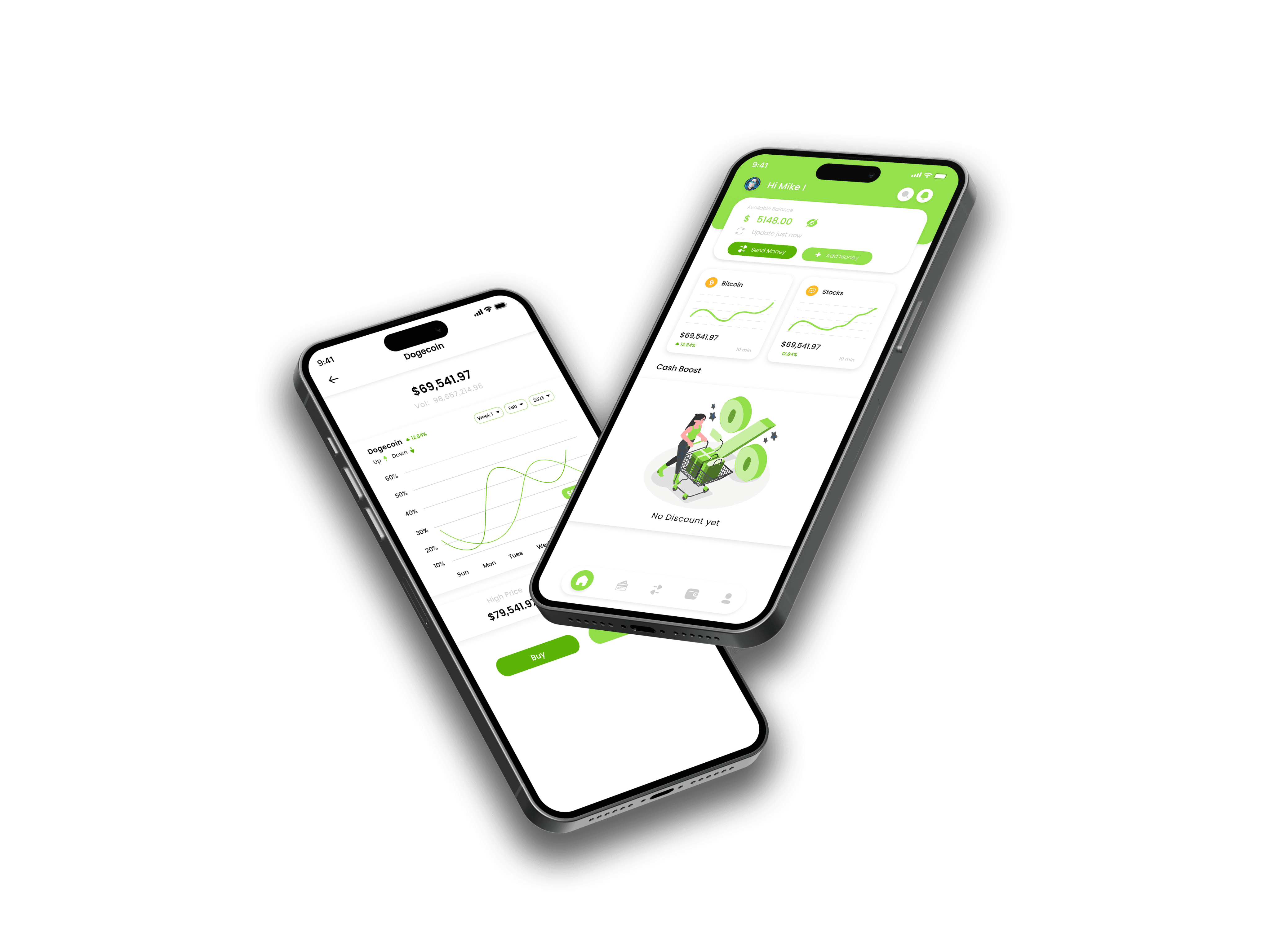
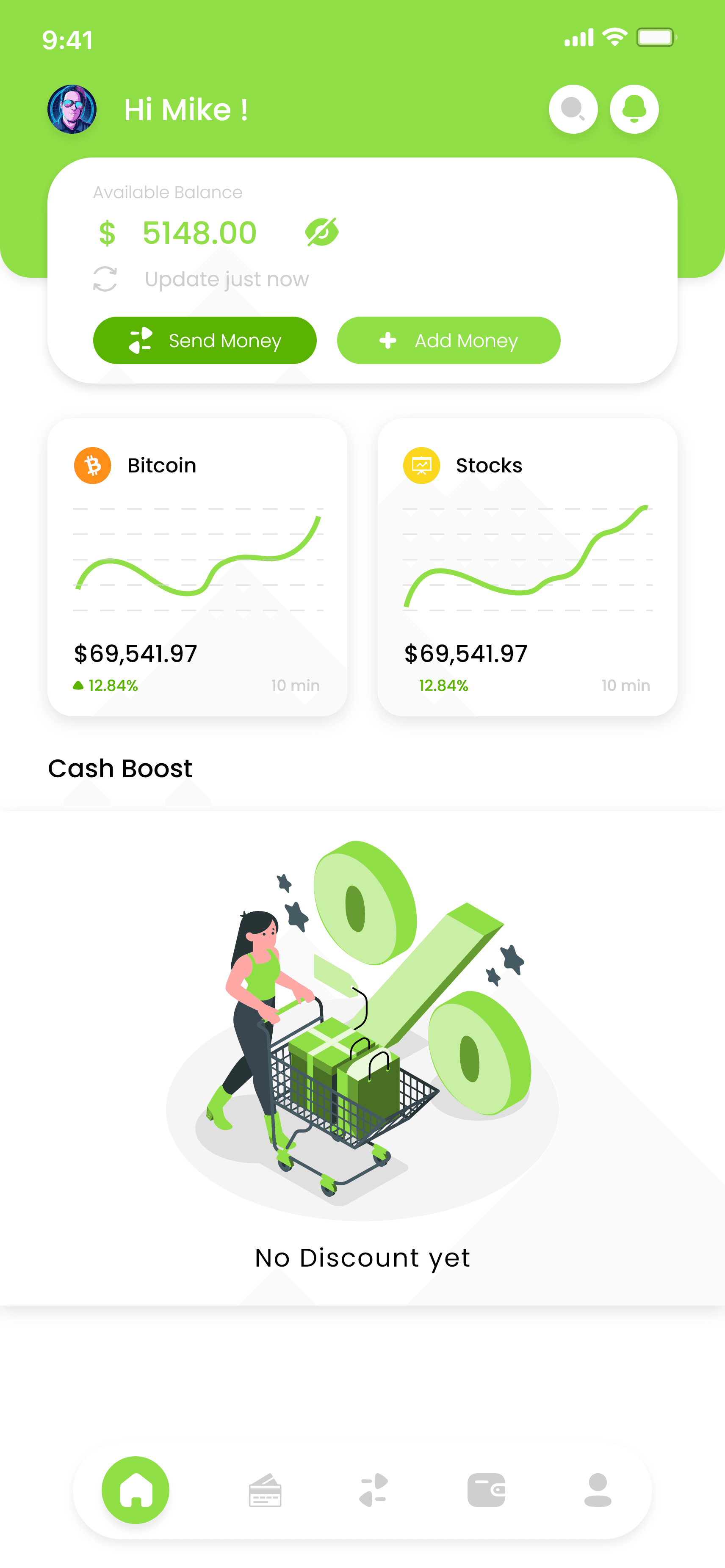
Designing the home screen to display both account balances and trading coin stats without overwhelming the user with too much information or clutter was a significant challenge.
Solution
The team opted for a clean and concise design approach, emphasizing clarity and simplicity. The home screen prominently displays the current account balance in a large, easily readable font at the top. Below, a carousel or tab system allows users to swipe or toggle between different trading coin stats, showing key information such as current value, percentage change, and trends.
Scalability and Performance
Problem
As the user base grew, maintaining optimal performance and scalability of the platforms became crucial.
Solution
The team employed scalable architecture and cloud-based solutions to handle increased traffic. Regular performance testing and monitoring allowed for preemptive identification and resolution of potential bottlenecks.
Transaction Clarity and Coin Rates
Problem
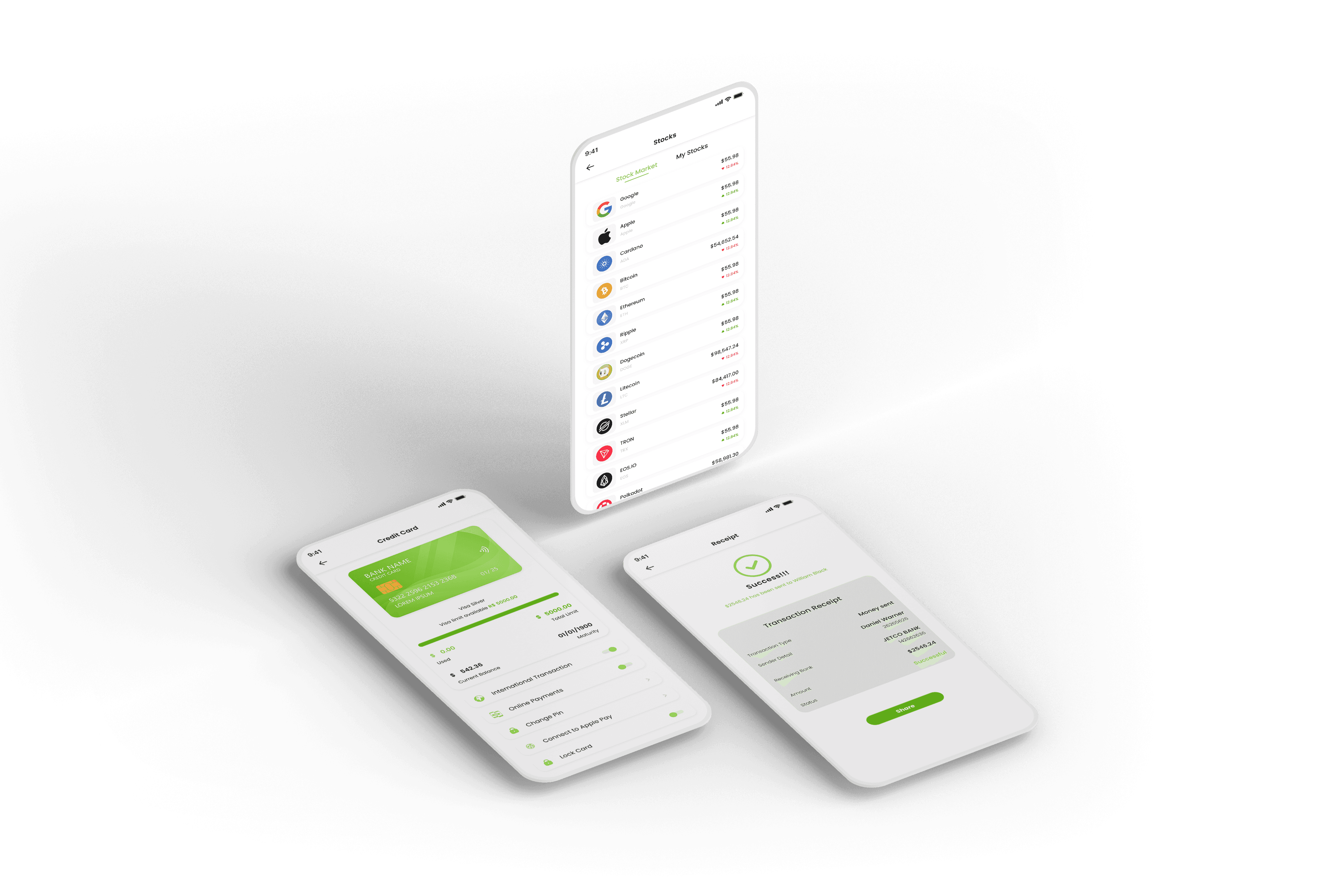
Providing users with clear transaction details while also displaying the current rates of multiple trading coins posed a challenge. Users needed to have a transparent view of their transactions alongside real-time rates for various coins to make informed decisions.
Solution
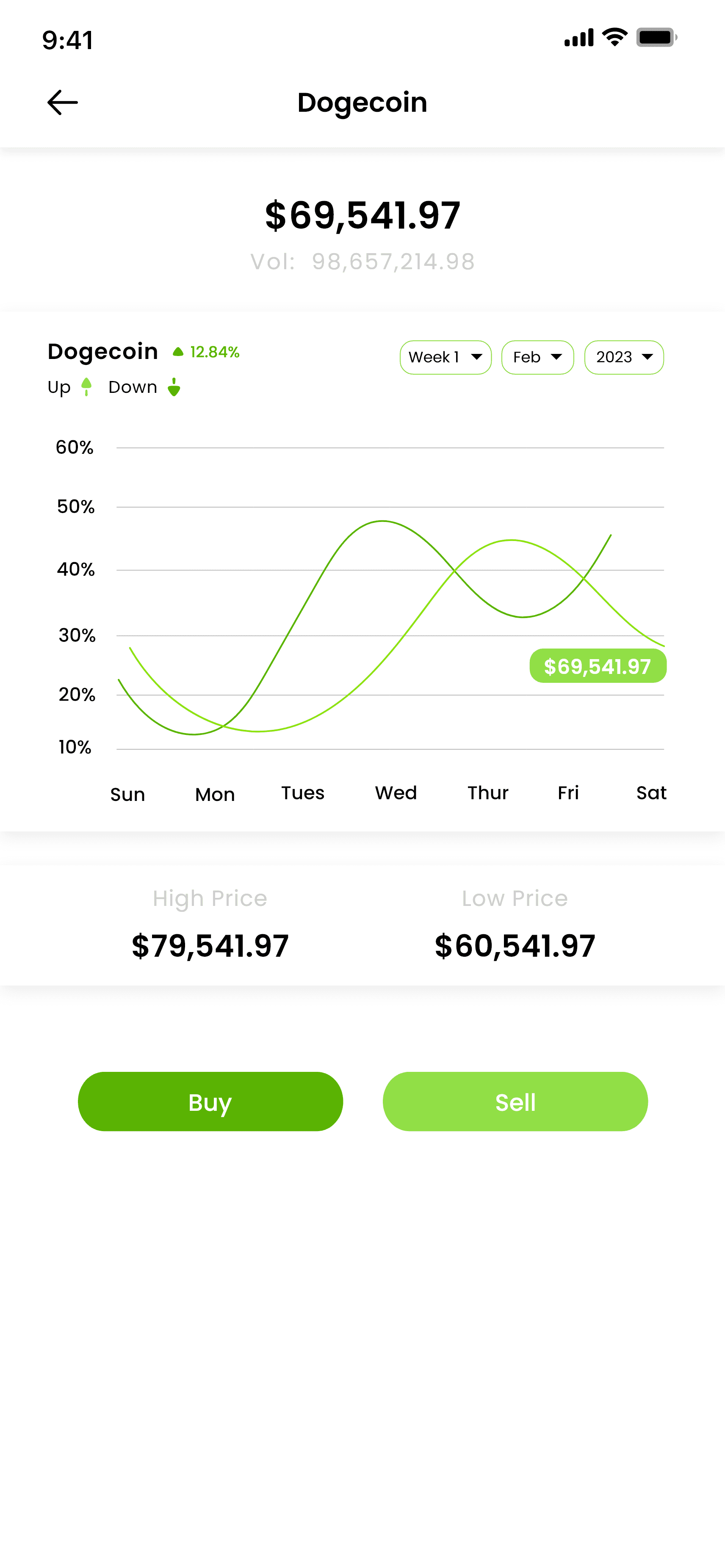
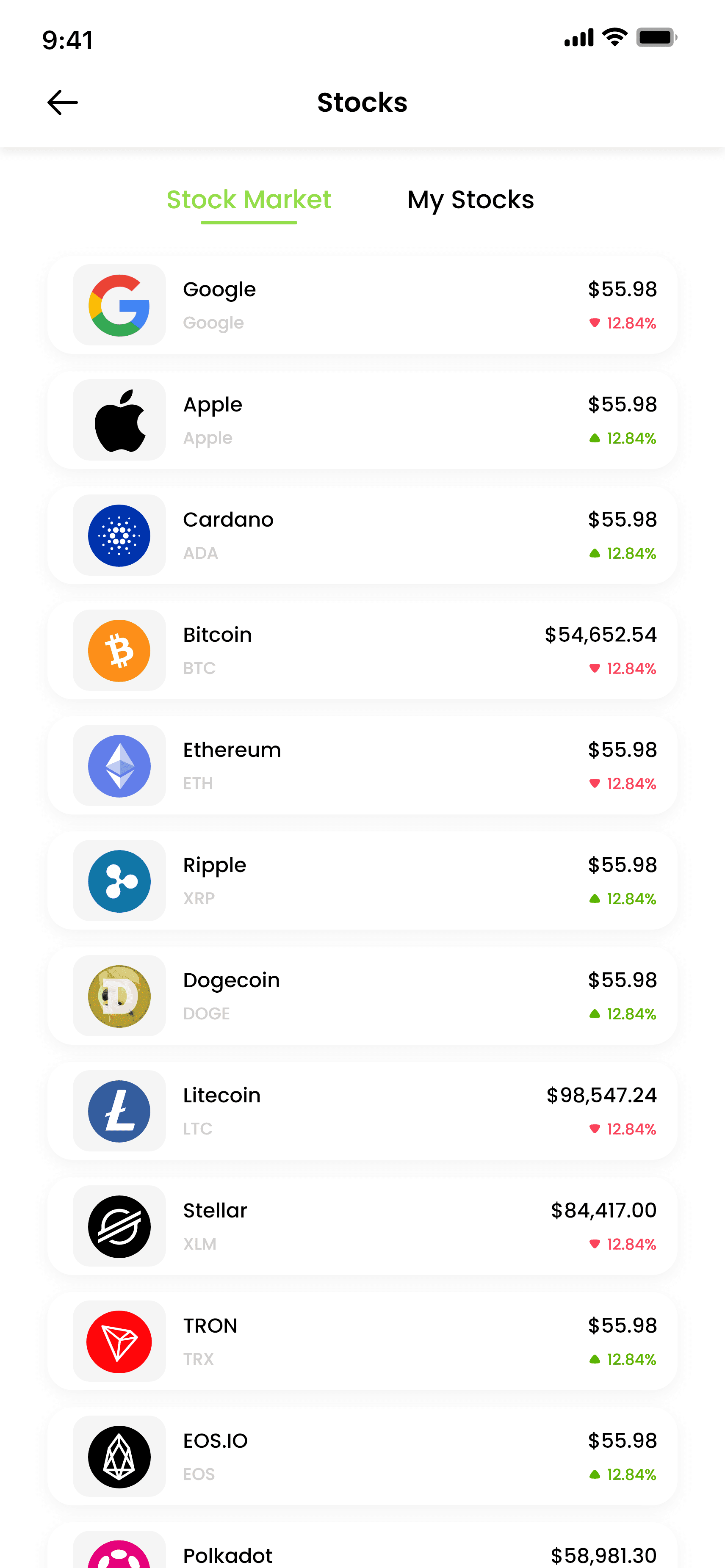
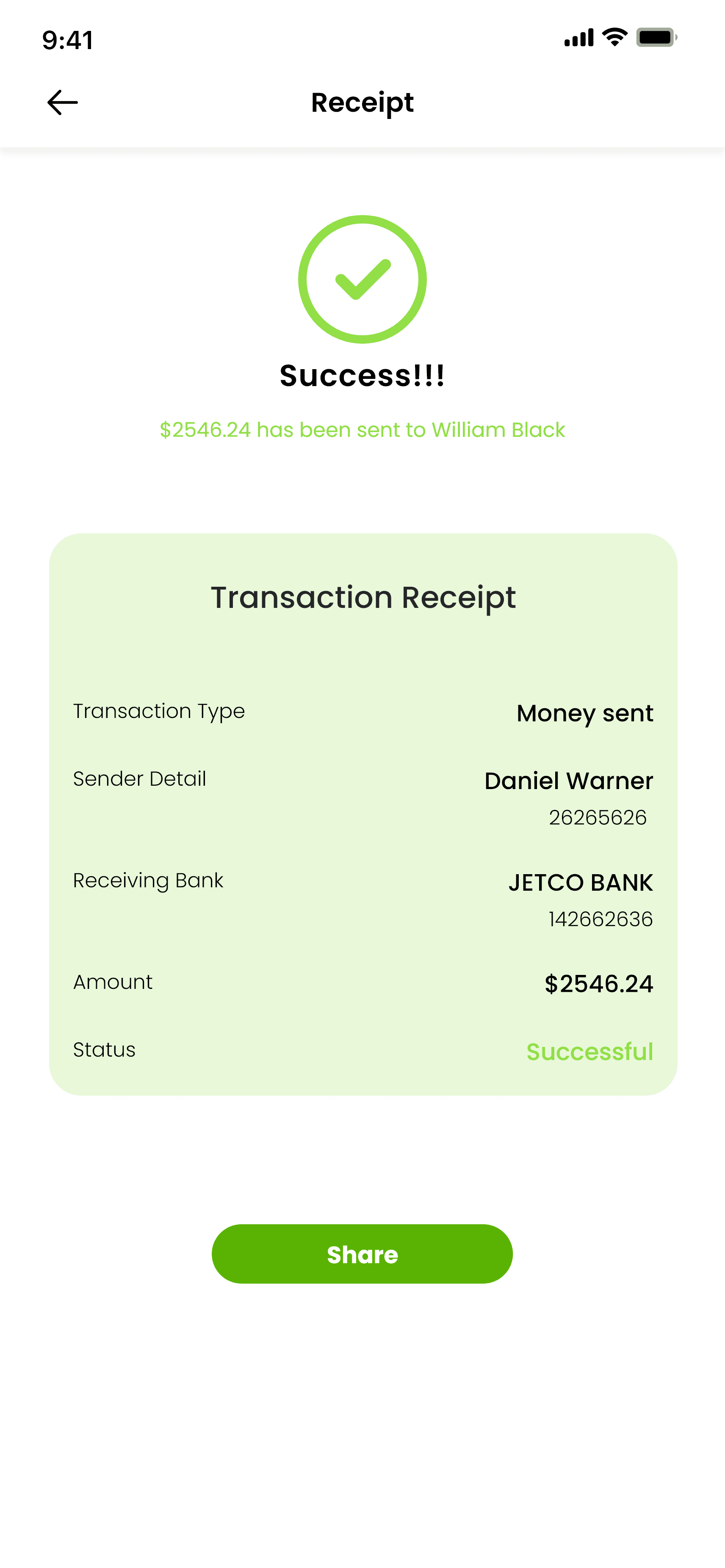
The team implemented a transaction detail screen that offers a comprehensive view of each transaction, including date, amount, recipient/sender details, and transaction status. To integrate real-time rates of all coins, a dedicated "Market Rates" section was added. Here, users can view a list of all supported coins with their current rates, percentage changes, and trends over time.
Challenges & solutions
Data Overload and Clutter
Problem
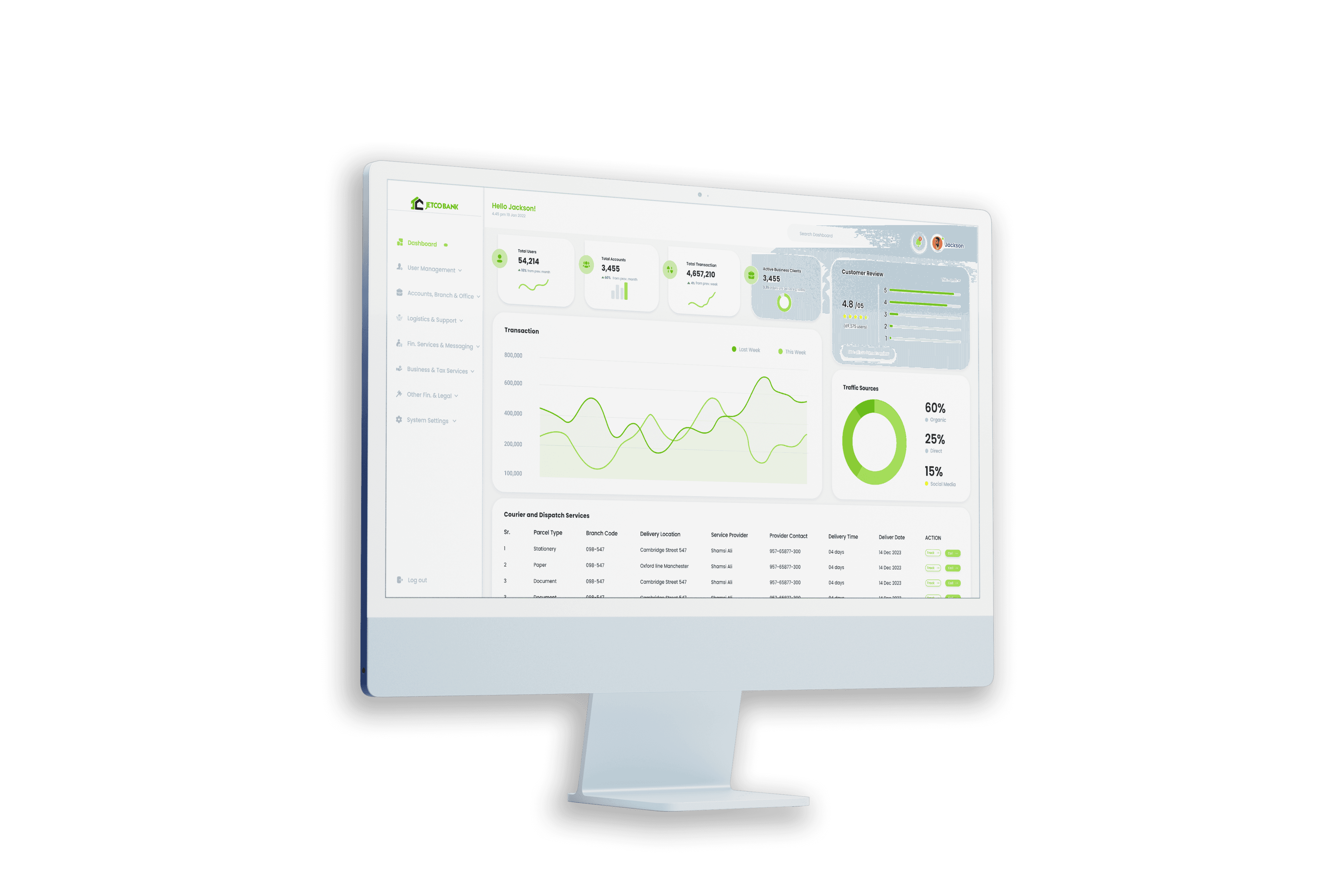
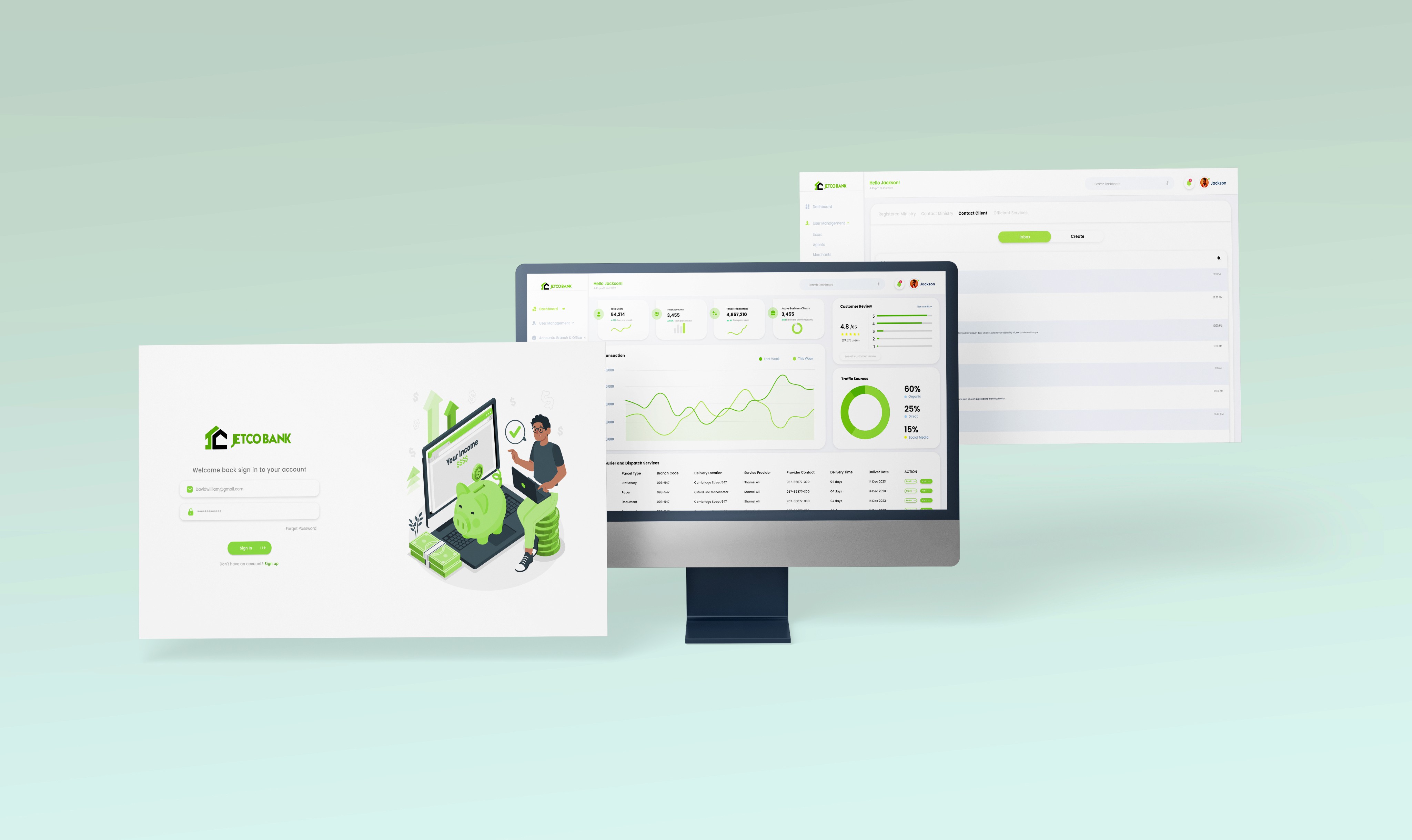
Displaying comprehensive records of customers, transactions, and customer reviews on the admin dashboard home screen without overwhelming administrators with excessive data can be daunting.
Solution
Implementing a modular dashboard design can address this challenge. The home screen can feature customizable widgets or panels, allowing administrators to arrange and prioritize the information they need most. Widgets can display summarized data such as total number of customers, recent transactions, and average customer ratings.
Accessibility and Navigation
Problem
Navigating through vast amounts of customer data, transaction records, and customer reviews efficiently poses a significant challenge.
Solution
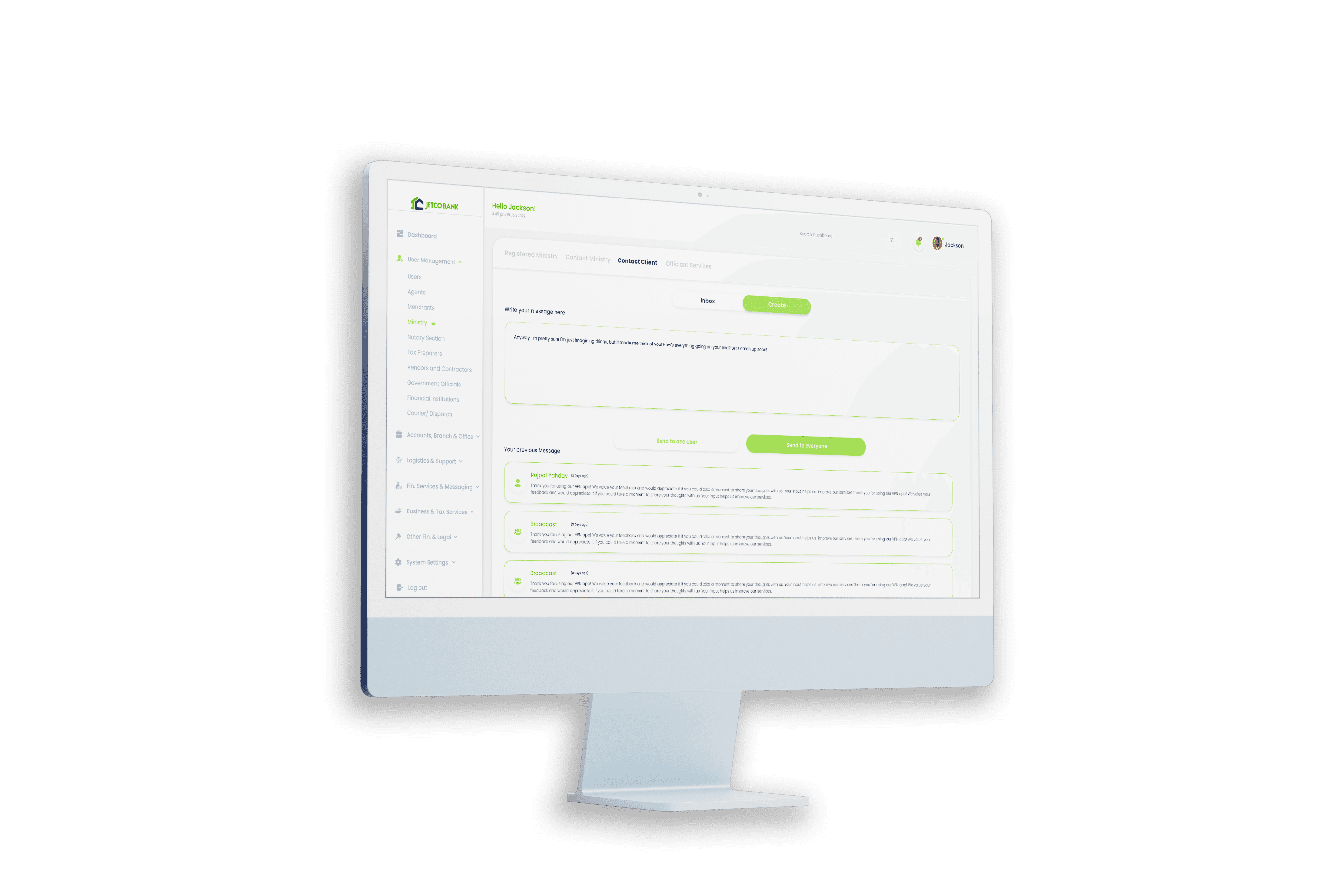
Implementing intuitive search and filter functionalities can enhance accessibility. A search bar at the top of the home screen allows administrators to quickly search for specific customers, transactions, or reviews by name or ID. Filters and sorting options can be integrated to refine results based on criteria such as transaction type, date range, customer ratings, and more.
Actionable Insights & Reporting
Problem
Administrators require actionable insights from the data presented on the dashboard to make informed decisions and generate comprehensive reports.
Solution
Integrate data visualization tools and reporting features into the dashboard. Interactive charts and graphs can provide visual representations of key metrics such as customer demographics, transaction trends, and customer satisfaction ratings.
Challenges & solutions
features
features
The key features of the app
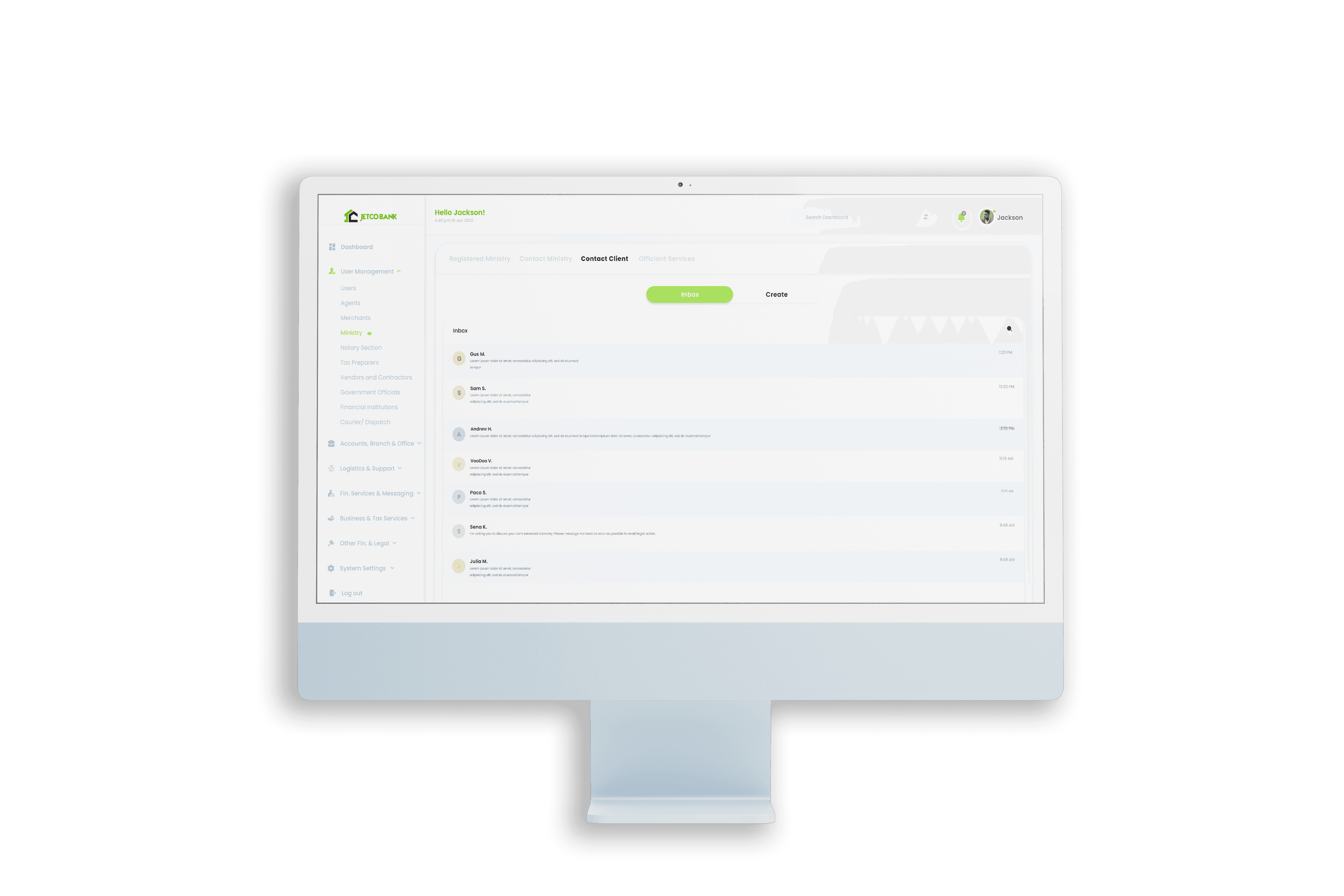
The key features of the Admin Dashboard
Geolocation Integration
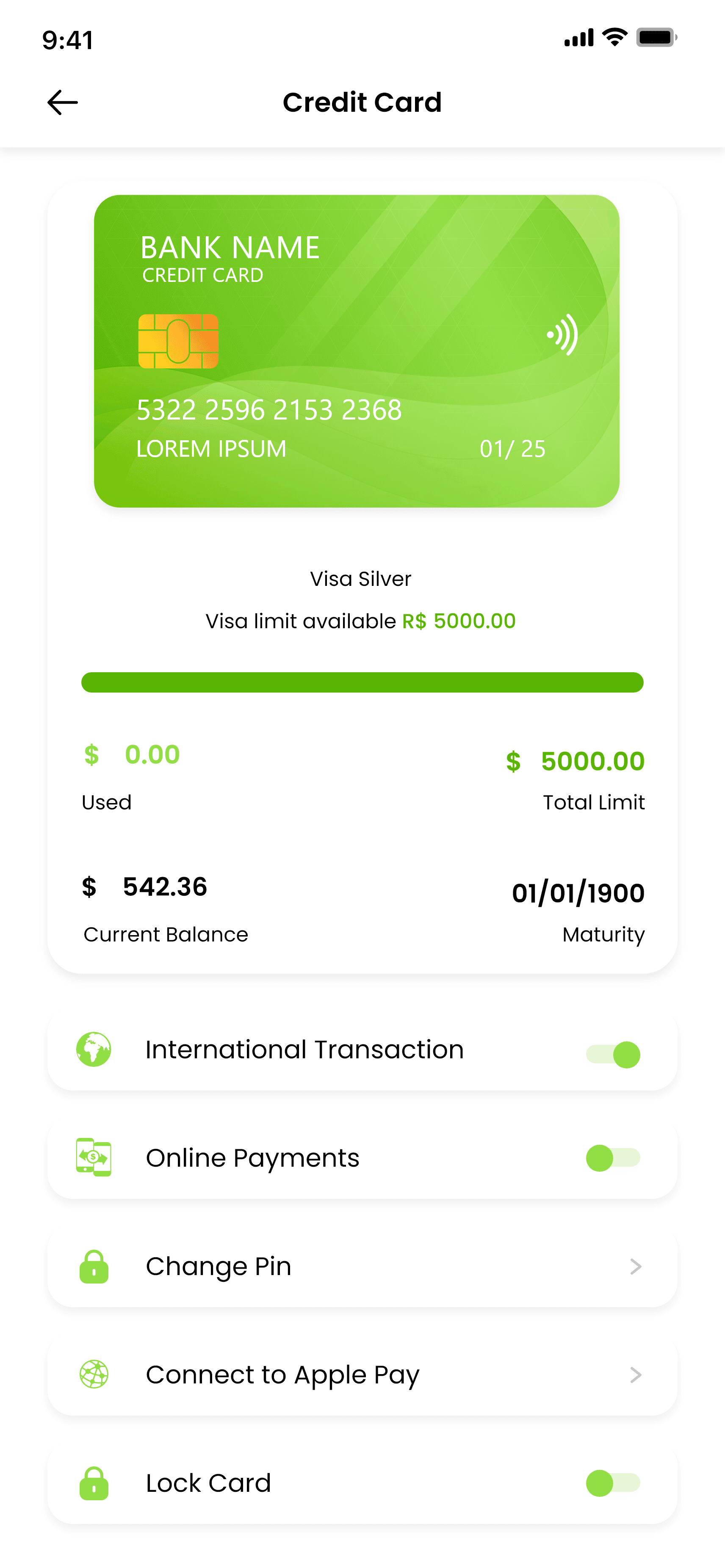
The app provides users with a seamless and intuitive interface for managing their accounts. Users can easily view their account balances, transaction history, and detailed statements. Account actions such as fund transfers between accounts, bill payments, and setting up recurring transactions are all conveniently accessible within a few taps.
Geolocation Integration
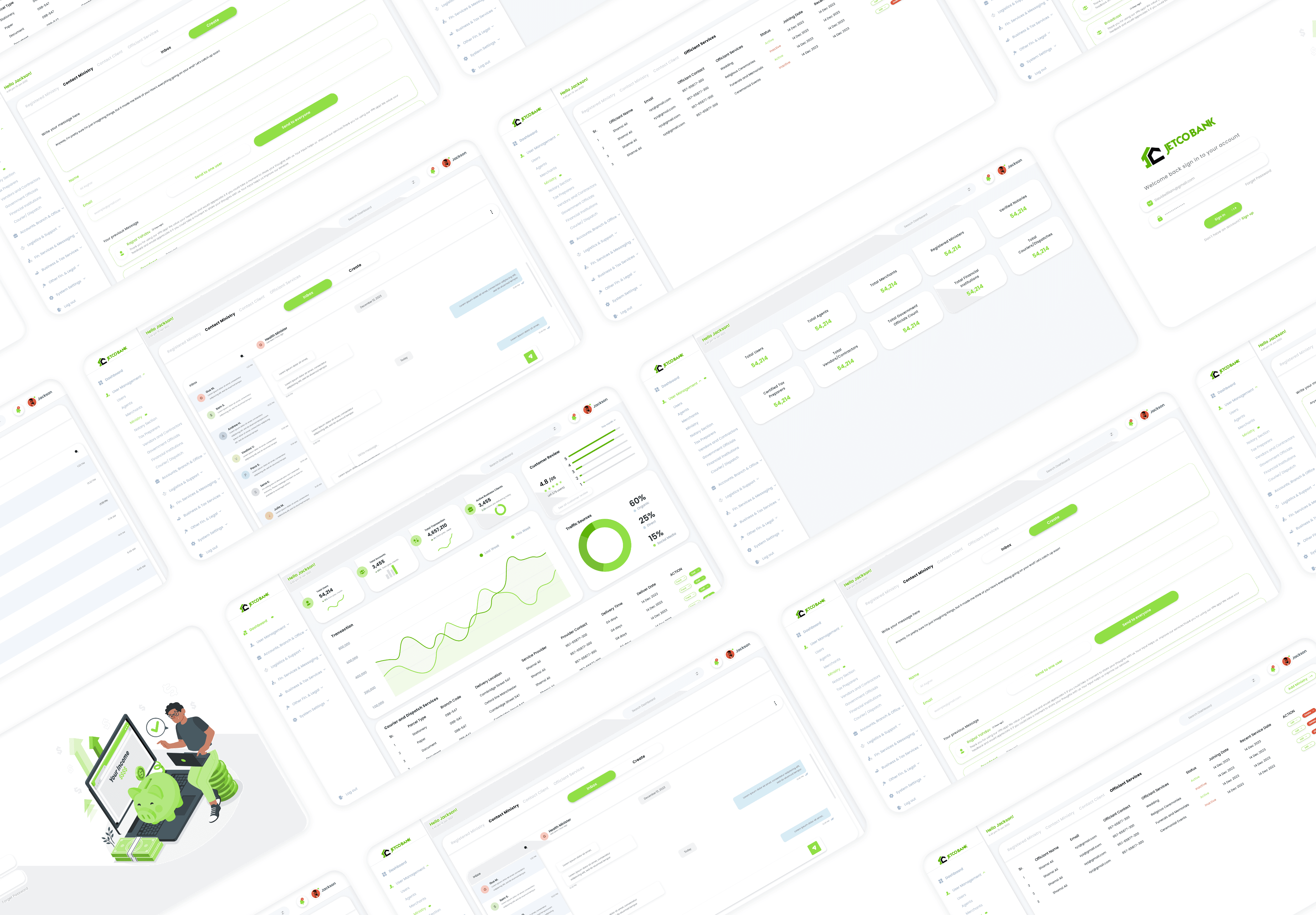
The admin dashboard provides administrators with a comprehensive overview of customer data, allowing them to manage customer profiles efficiently. Administrators can view and update customer information, including personal details, account status, transaction history, and customer reviews.
Geolocation Integration
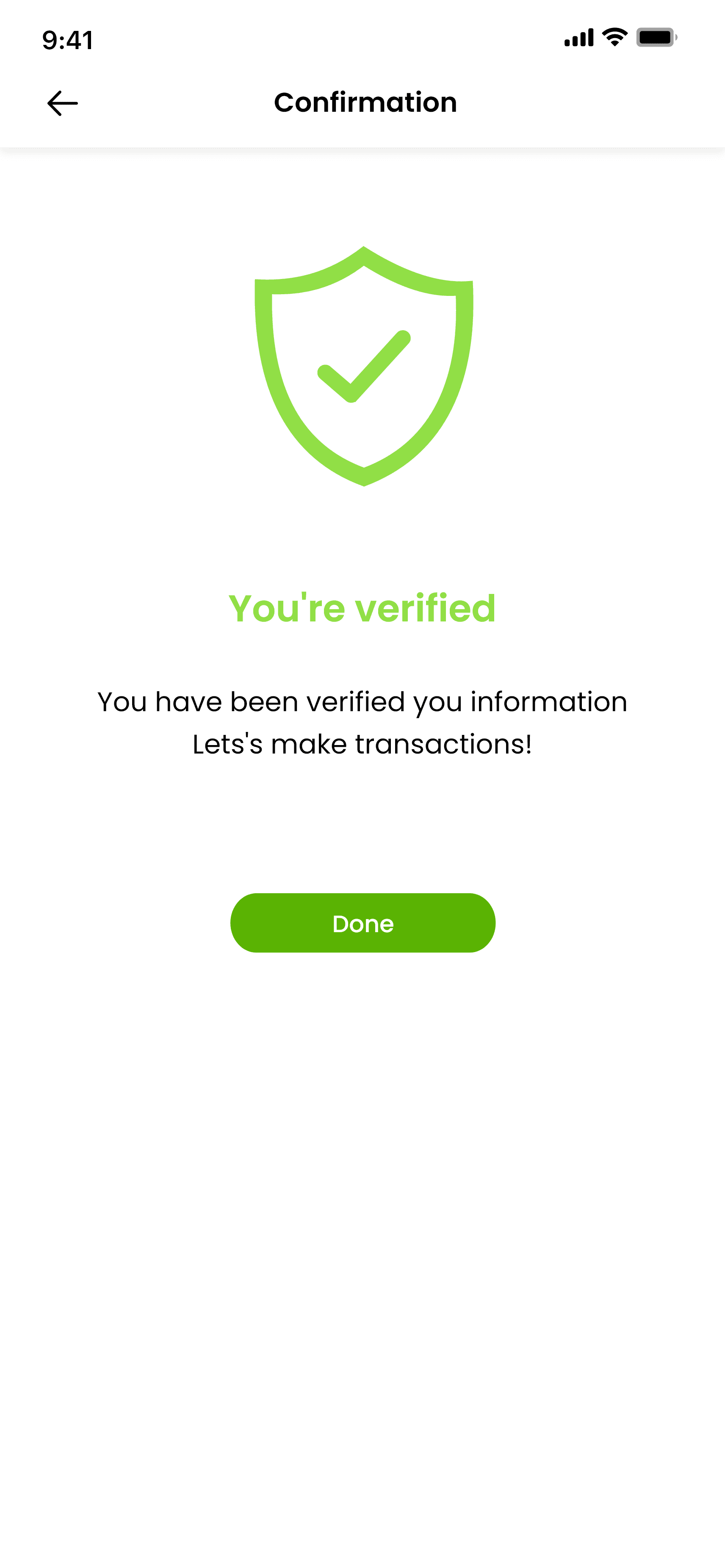
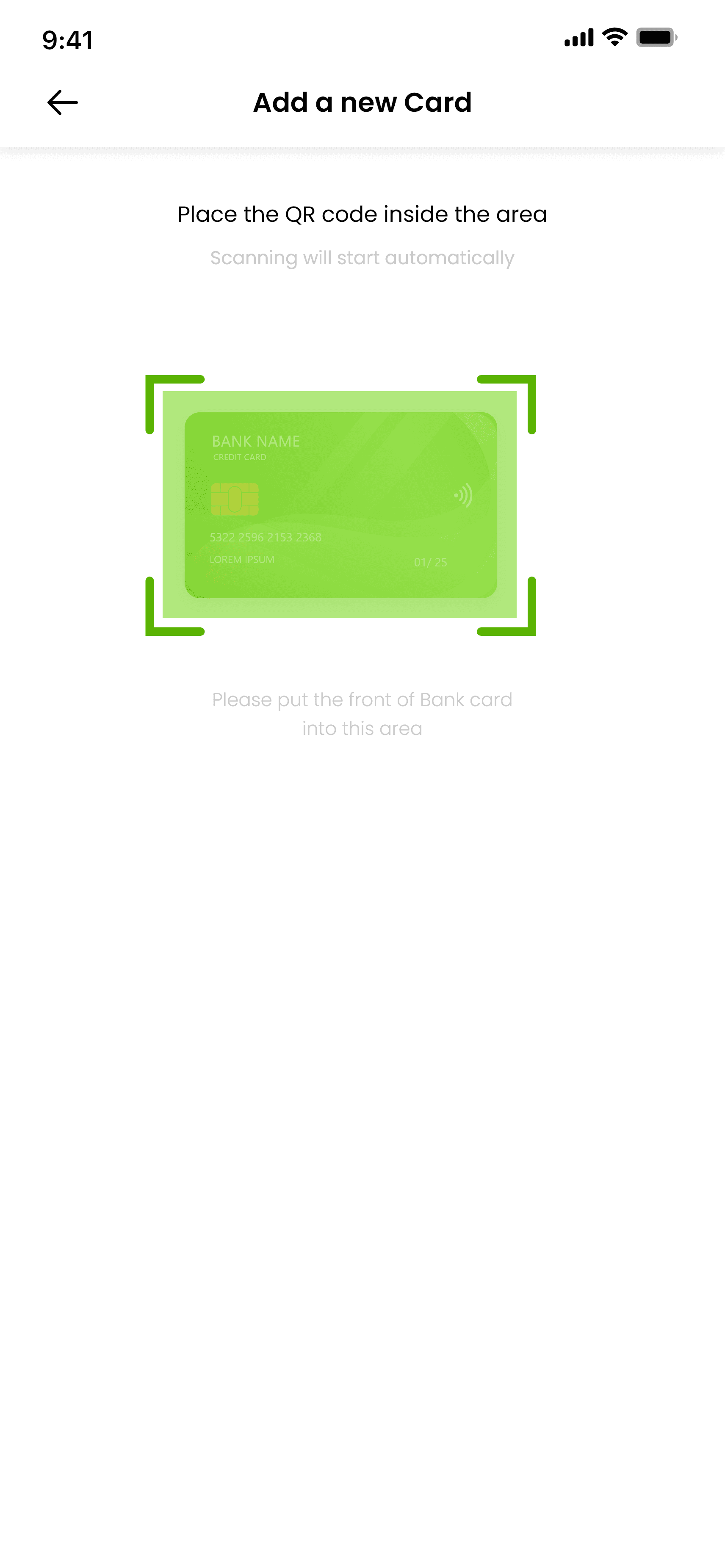
Security is paramount, and the app is equipped with advanced security features to protect user data and transactions. Biometric authentication options, such as fingerprint or facial recognition, provide secure access to the app. Additionally, multi-factor authentication adds an extra layer of protection for sensitive transactions, ensuring peace of mind for users.
Geolocation Integration
Administrators can manage customer reviews and feedback directly within the dashboard, facilitating a proactive approach to customer satisfaction. The dashboard aggregates customer reviews from various channels, displaying ratings, comments, and sentiment analysis. Administrators can respond to reviews, address customer concerns, and track customer sentiment over time.
Order Placement and Scheduling
Users can stay informed about the latest market rates for various trading coins directly within the app. The "Market Rates" section offers real-time updates on coin prices, percentage changes, and historical trends. This feature empowers users to make informed decisions about their investments and trading strategies.
Order Placement and Scheduling
The dashboard offers real-time transaction monitoring and analysis tools, empowering administrators to track and analyze transactional activities. Administrators can view transaction details, such as amounts, dates, and transaction types, for individual customers or across the entire system.
Order Placement and Scheduling
The app goes beyond basic account management by offering personalized financial insights to users. Through data analysis and algorithms, users receive tailored recommendations for budgeting, saving goals, and investment opportunities. Customizable alerts and notifications keep users updated on their financial status and progress towards their goals.
Order Placement and Scheduling
The dashboard offers customizable reporting tools and compliance features to streamline regulatory requirements and internal reporting needs. Administrators can generate detailed reports on various metrics, such as customer demographics, transaction volumes, customer satisfaction scores, and compliance status.
9:41

9:41
9:41
9:41
9:41
9:41
9:41
9:41
9:41
Thank you for stepping into my story!
Got a vision whispering to you? Let’s bring it to life!
salihamurtaza774@gmail.com